The reset was done on Tuesday. How do you know?
For most suppliers, the honest answer is: we don’t. Someone says it’s done, and nobody checks until the next visit shows it isn’t.
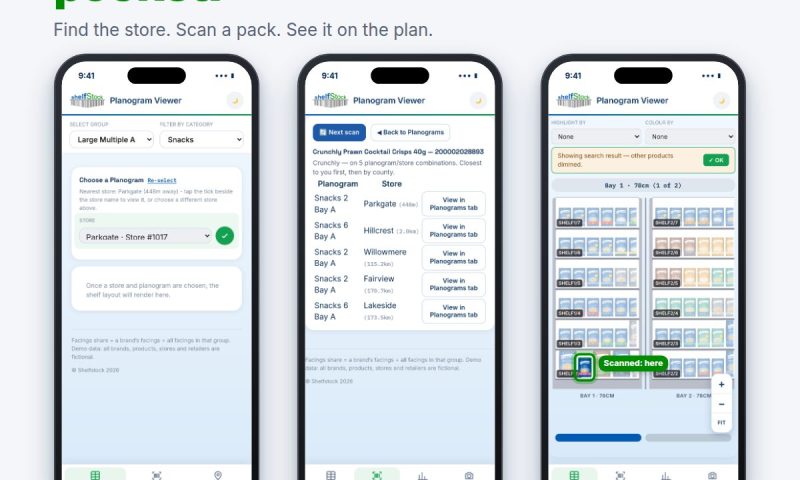
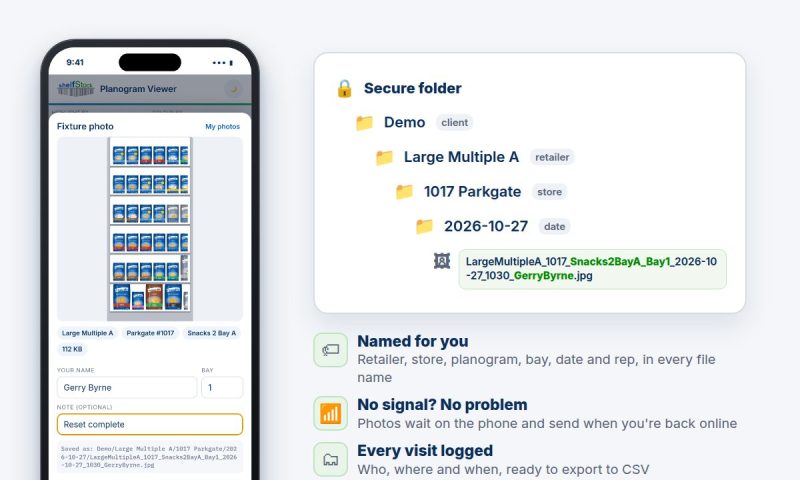
So we added a photo button to the planogram app.
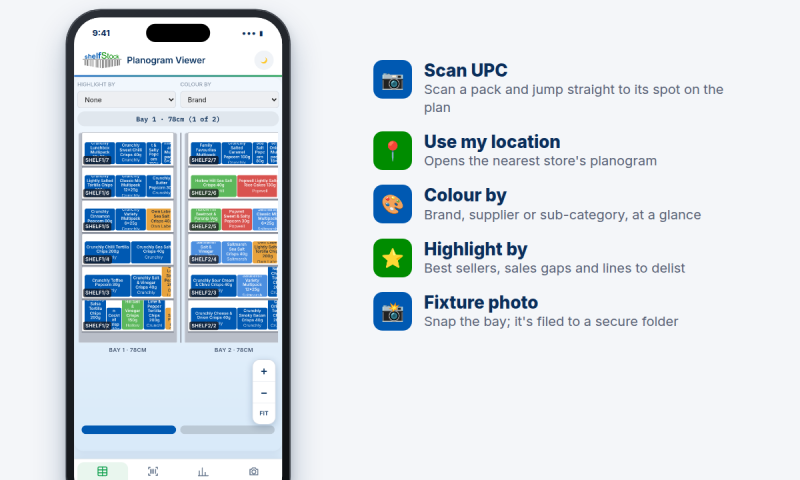
📸 The rep snaps the bay straight from the planogram they’re already looking at
🏷 The app names the file for them: retailer, store, planogram, bay, date and rep
🔒 It goes straight into a secure folder, sorted by store and date
📶 No signal in the back of the store? It sends when they’re back online
🗂 Head office gets a log of every visit, ready to export
No renaming files. No group chats full of shelf photos with no store name. Just proof, filed where you can find it.
Field teams and category managers: how do you check a reset actually happened today?
#RetailExecution #Merchandising #Planograms #FieldSales #StoreExecution
Leave a Reply