Shelfstock

Planograms and Category Managment

  • Home
  • What We Do
  • About us
  • Contact us
  • New Mobile App
  • Planogram Viewer
    • What are Planograms?
    • Why is planogram maintenance so important?
    • How to create great planograms
    • Planomax
    • Planomax CatMan
    • Live images
  • PDF to Planogram
  • Retail Shelf Planner
    • Retail Shelf Planner – Easy to use planogram software
      • Highlighting examples
      • Video Examples
    • Retail Floor Planner = The easy to use floor planning tool
      • Floor Planning
      • What makes a great store layout?
    • Retail Merchandising Center
      • Planogram Maintenance
  • Outsourcing
    • Planogram Consultancy Service
  • Category Management
    • Category Management for Dummies
    • Category Management in Pharmacy
    • PGR – Planogram/Category Range Reviews
    • What are the barriers of implementing Cat Man?
    • What is Category Management in CPG?
    • What do Category Managers do?
    • Fast Track Category Management
  • Our Blogs
    • What changed at the reset?
    • The Consumer Decision Tree
    • The PDF nobody opens again
    • The Path to Purchase & how to influence it
    • Retail in Pharmacy
    • Selling with Planograms

What changed at the reset?

October 1, 2026 by Gerry Byrne Leave a Comment

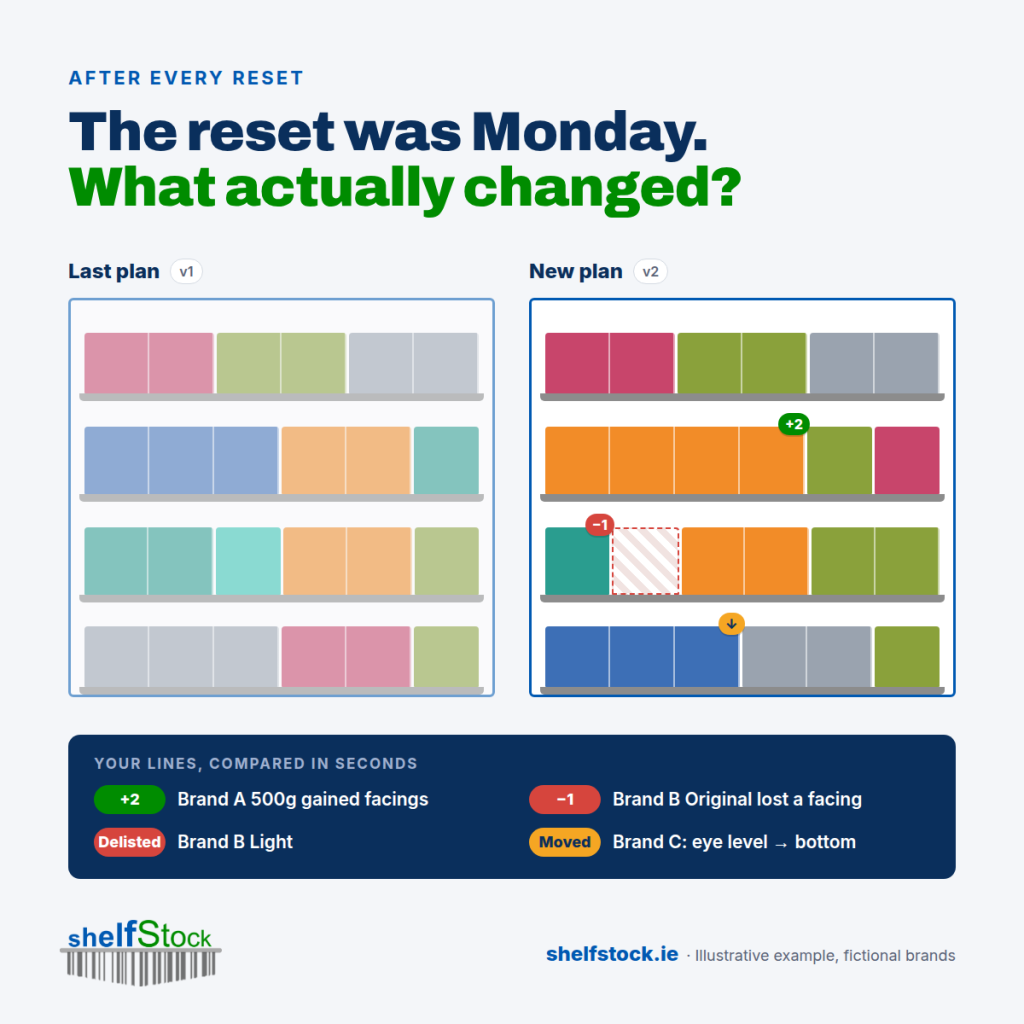
The reset happened on Monday. By Friday, nobody could tell me what had changed.

That's the reality for a lot of suppliers. A new planogram lands, the store resets, and the only way to see what moved is to open the old PDF and the new PDF side by side and squint.

So the important questions go unanswered:

→ Which of our lines gained facings, and which lost them? → Did anything get delisted quietly? → Did we move off eye level? → Did a competitor pick up the space we lost?

When both versions of the plan are data rather than pictures, that comparison takes seconds. Every SKU, every shelf, gained or lost, in one list.

And the next conversation with the buyer starts with facts, not "we think we lost a facing somewhere".

How do you keep track of what changes at each reset?

The Solution;

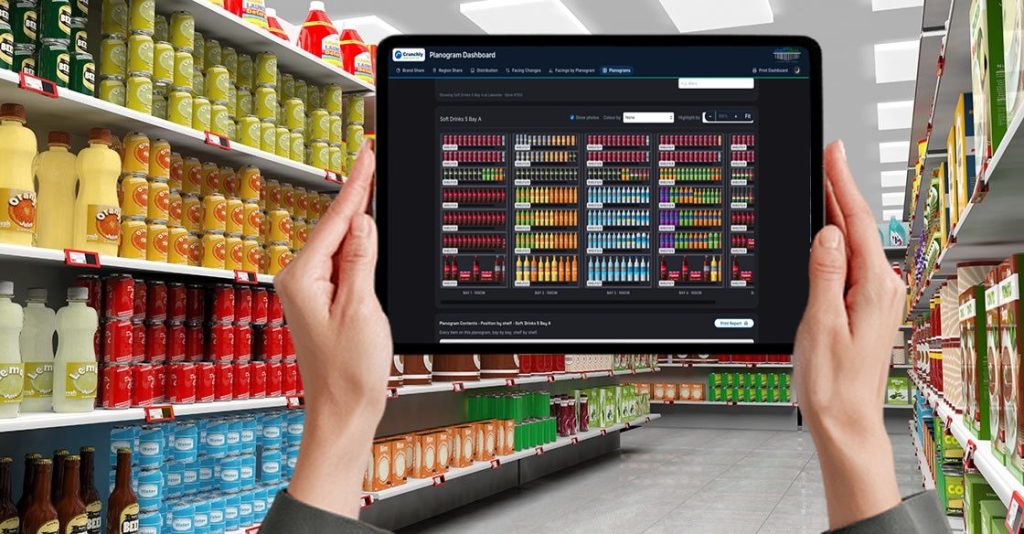
We take the retailer's PDF and turn it back into a real, working planogram: every product, every shelf, real dimensions. Then you can search it, compare it and report on it.

A PDF is a picture of a decision. A planogram is data you can work with.
Filed Under: Space Management

Leave a Reply Cancel reply

Your email address will not be published. Required fields are marked *

Planomax
View planograms (and more!) on your phone

Recent Posts

  • What changed at the reset?
  • The PDF nobody opens again
  • The Consumer Decision Tree
  • The Path to Purchase & how to influence it

Your planograms in your pocket

  • post9-mobile-app
  • post9b-mobile-app-features
  • post10-compliance-photos

Copyright © 2026 · Shelfstock, · Log in · Made by XL Websites

We use cookies to ensure that we give you the best experience on our website. If you continue to use this site we will assume that you are happy with it.I accept